Philippe's Blog
May 2022
June 2022
July 2022
August 2022
September 2022
October 2022
November 2022
December 2022
January 2023
February 2023
March 2023
April 2023
May 2023
June 2023
July 2023
August 2023
September 2023
October 2023
November 2023
December 2023
January 2024
February 2024
March 2024
April 2024
May 2024
June 2024
July 2024
August 2024
September 2024
October 2024
November 2024
December 2024
January 2025
February 2025
March 2025
April 2025
May 2025
June 2025
July 2025
August 2025
September 2025
October 2025
November 2025
December 2025
January 2026
March 2026
April 2026
May 2026
June 2026
Server : upgraded ! #
Monday, June 22, 2026 at 5:34 p.m.
I just finished installing Ubuntu Server 26 on my new 20 TB hard drive and transferring the files from my old 8 TB drive to this one (I was using Ubuntu Server 22).

After I got everything working, my hard drive kept making noises while I wasn't doing anything.

This command told me it was ext4lazyinit that was constantly accessing the hard drive :

sudo blktrace -d /dev/sda -o - | blkparse -i -

ext4lazyinit apparently zeroes-out stuff on the drive or something. I made this command line to make it go way faster (and that got rid of the noise) :

sudo mount -o remount,defaults,init_itable=0 /

"init_itable" says how many milliseconds ext4lazyinit should wait between doing work.

"0" means "always work".
Comment
Autism Shame #
Wednesday, June 17, 2026 at 5:22 p.m.
Apparently :

We should be ashamed of being called autist.

People should be sorry for us being autist.

We must understand we are inferior from normal (better) people and be put in our deserved place.

Therapy should help us hide ourselves and imitate our "betters" (non-autists).

Other people are better and we should try to be like them.

Autism is a thing to hide.

Autism should be cured/destroyed.
Comment
Sad #
Monday, June 15, 2026 at 10:28 a.m.
I just found out the Doctor Who 2026 Christmas special was cancelled.

I was waiting for it !

It's hard not knowing how much longer I will have to wait.

https://www.bbc.com/news/articles/c621ln7vx7qo
Comment
My TV works ! #
Sunday, June 14, 2026 at 5:13 p.m.
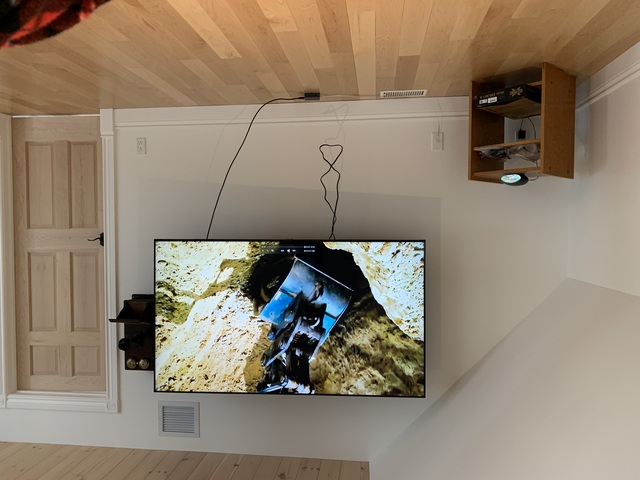
After hours of work, I finally got my new 75" TV working !

My iMac duplicates its screen to the TV.

I could not get it to work with the HDMI cable I have in the wall (my iMac is on the other side of the wall).

I could only get it to work with HDMI-over-Cat6 modules.

I believe the signal is too weak for the new TV. (my old 42" TV accepted the signal just fine)

I see there are "HDMI repeaters" on Amazon, maybe one of those would help. They are quite expensive, it would be a gamble.

I will to more tests later. But at least I can watch my shows.

It is not a "smart" TV. It is what I wanted.

It turns on and off with the HDMI signal.
Comment
iPod touch on 1.1.1 ! #
Saturday, June 13, 2026 at 5:46 p.m.
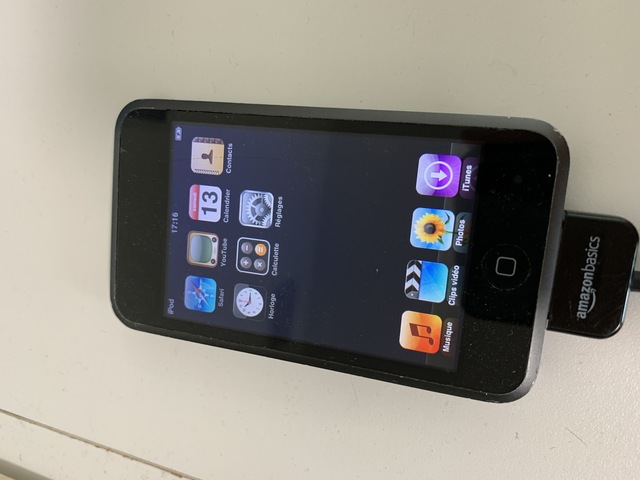
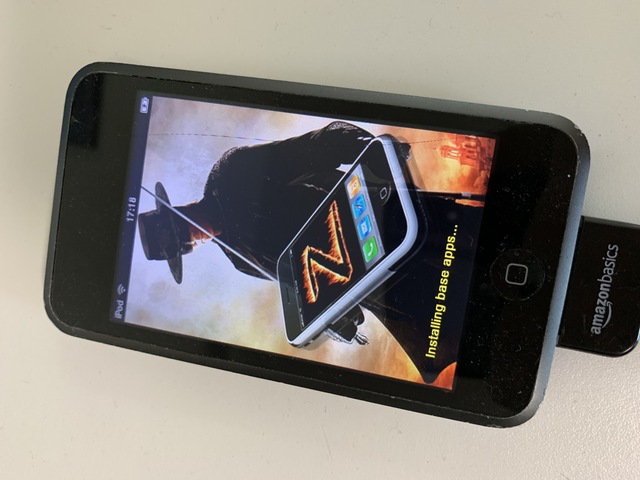
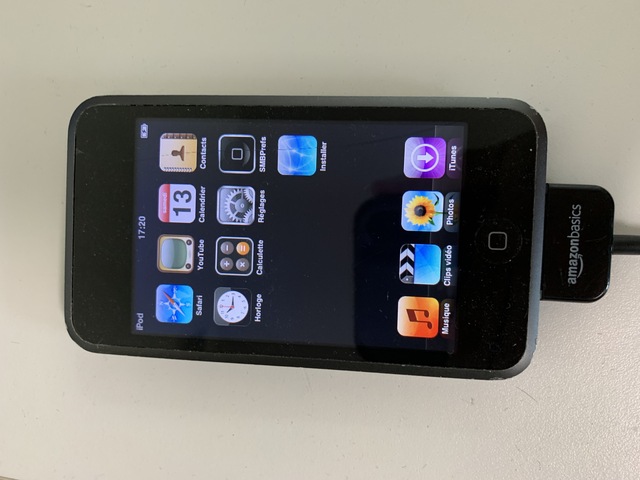
I just successfully downgraded my iPod touch 1G to firmware 1.1.1 !

This is the first iPod touch 1G I bought on eBay. It was on 3.1.3. After many tests, I initially thought it had a broken DFU mode. So I bought a second one already on 1.1.5.

Turns out, I was using the wrong iTunes version !

I needed EXACTLY version 7.5. No other will work. (I am using Windows XP)

I downloaded it here :
https://www.oldversion.com/windows/itunes/itunes-7-5-0/

I just had to put it in DFU mode, do shift+restore in iTunes and give it the 1.1.1 IPSW.

I got the IPSW here :
https://archive.org/download/iOS_Firmware_Exhibit_Collection

Now, I have an iPod on 1.1.1 and a second one on 1.1.5.

Both jailbroken with ZiPhone.

As usual, my AppTapp repo is quite useful : apptapp.philippe97.ca

The 1.1.1 dock is so beautiful.
Comment
TV is up ! #
Saturday, June 13, 2026 at 2:39 p.m.
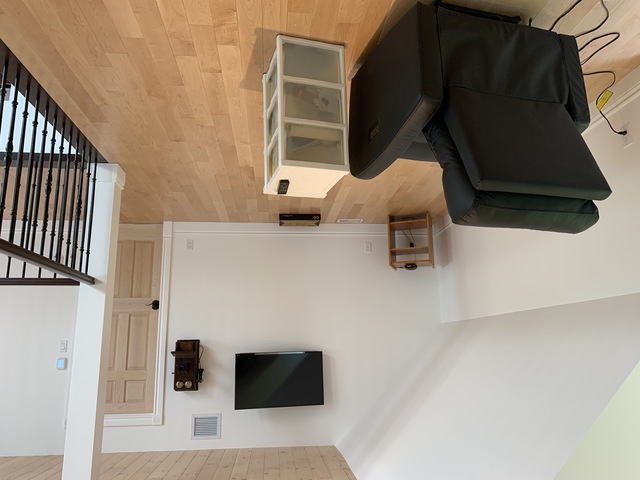
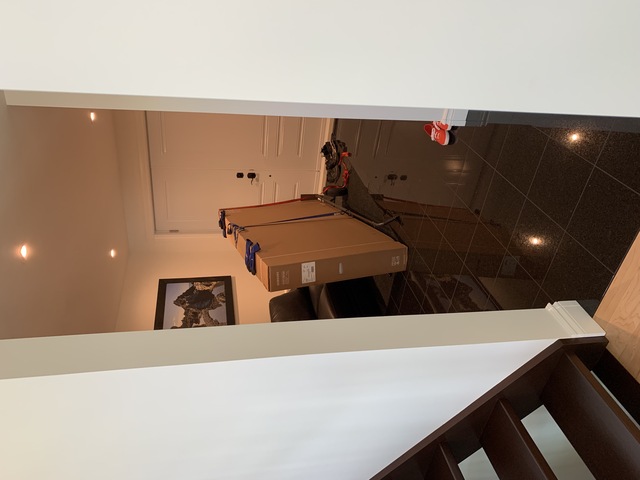
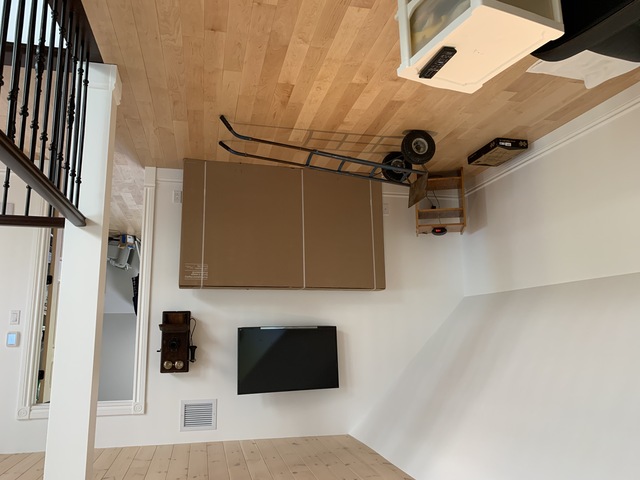
I just finished moving my brand new 75" TV from our garage to the second floor with my dad. (It was delivered yesterday).

I will wait until tomorrow to unpack it and install it.

My current 42" TV looks so small now.

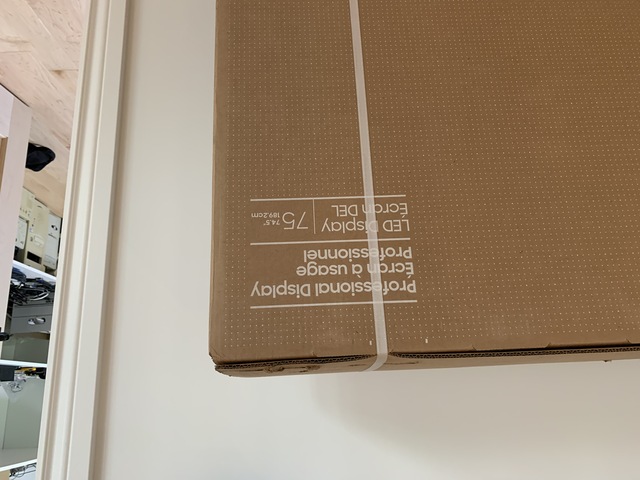
Samsung calls it a "Professional Display", which I think means it is not one of those "smart" TVs that I don't like. I sure don't see any "apps" in the photos of the TV on Samsung's website. I hope I'm right, it was expensive. Even if it is a little "smart", I'll just live with it and not connect it to the Internet.
Comment
Brother, Can You Spare Two Dimes? #
Tuesday, June 9, 2026 at 6:09 p.m.
I was watching that Simpsons episode and I HATE Herb's invention, a "baby translator". It supposedly translates to you what a baby is saying in english.

Instead of teaching your child how to communicate, the machine would be used to reinforce what would already be there.

That would teach the child that it is OK to speak in gibberish instead of a real language.

Hate.

(Plus you've got the fact that you can't say something before you know the word for it.)
Comment
"Upgraded" #
Saturday, June 6, 2026 at 11:39 a.m.
I just upgraded my iPhone XR from 16.1.1 to 18.7.9 because my banking app required 16.4 minimum.

I'm glad they didn't change much. I am also very glad my iPhone is too old for iOS 26.
Comment
Watching grass grow #
Thursday, June 4, 2026 at 3:57 p.m.
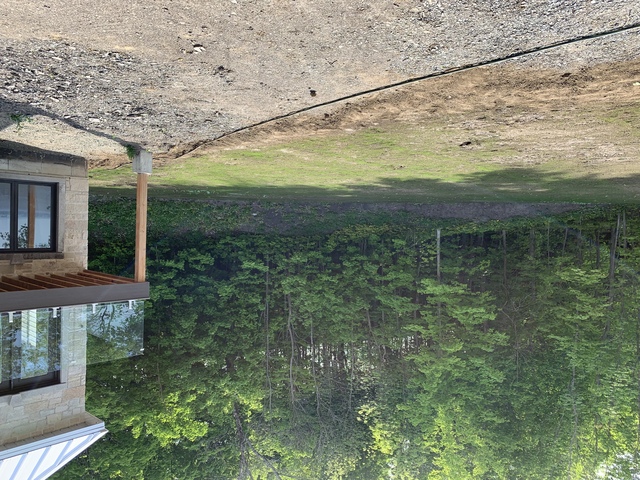
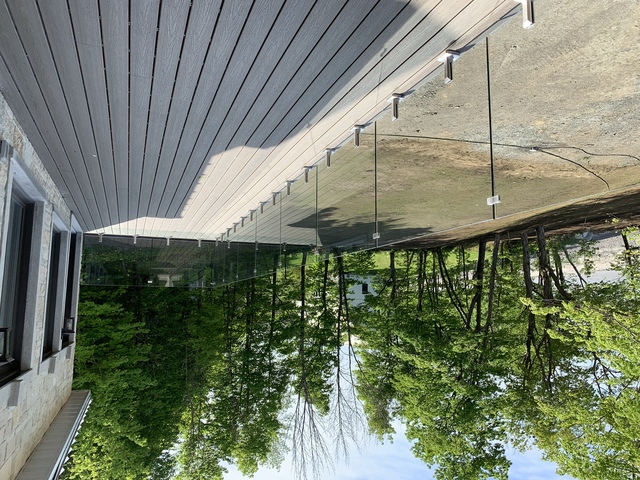
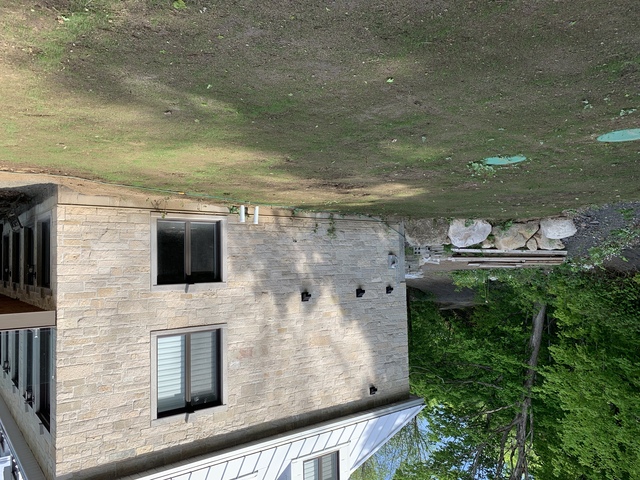
My dad has been watering the grass for a few days now.

We can see that the grass is starting to grow.

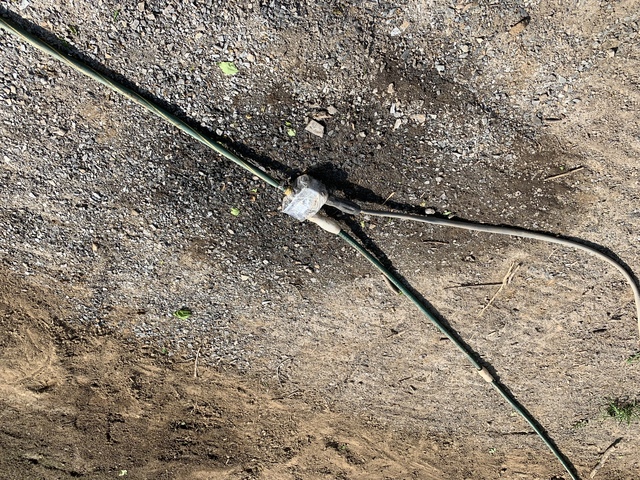
My dad bought a Wi-Fi valve that allows him to control the water with his cellphone.
Comment
What if instead ... ? #
Tuesday, June 2, 2026 at 3:48 p.m.
I believe things can only happen one way. That all through the size spectrum, from our human choices to the minuscule worlds of atoms and molecules, there is only one path, one way.

One past, one future, no forks. Choice is not randomly choosing something out of possibilities. Choice is just a result of the past. The past made us now.

The way I see it, when we look at the world, things do really happen one way. We follow and see one path.

I do not believe in parallel worlds or those "but what if <something> had happened differently ?" My life is how it is and it could not have been different.
Comment